
On this page:
Digital Wallets
Merchants have a range of options for digital wallet payment integration, including Google Pay and Apple Pay as described below.
Google Pay
Example of an image
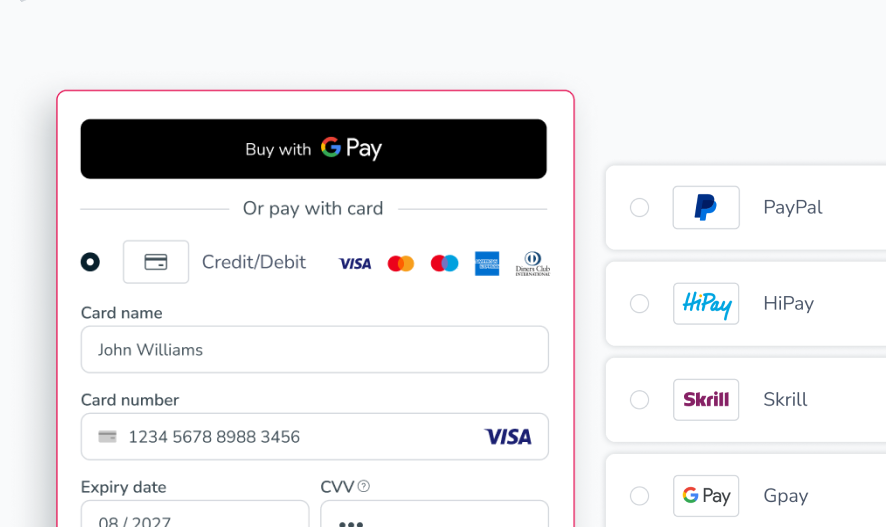
See the table below.
| Parameter | Description |
|---|---|
| merchant_id | The vendor’s unique identification number provided by Nuvei. |
| merchant_site_id | The vendor website’s unique identification number provided by Nuvei. |
| total_amount | The total amount of the transaction. |
| currency | The three-letter ISO currency code for the currency used in the transaction. |
| user_token_id | This parameter is a unique identifier for each customer generated by the vendor. |
| item_name_N | The name of the item. |
| item_amount_N | The price of the item number. |
| item_quantity | The amount of items being purchased. |
| time_stamp | The GMT time (in 24-hour format) that the transaction took place in the following format: YYYY-MM-DD.HH:MM:SS |
| version | The current version of the payment page. Currently, the version is 4.0.0 |
| notify_url | URL to which the webhook notification is sent. |
| checksum | The calculated checksum value. |
Apple Pay
Example of an image
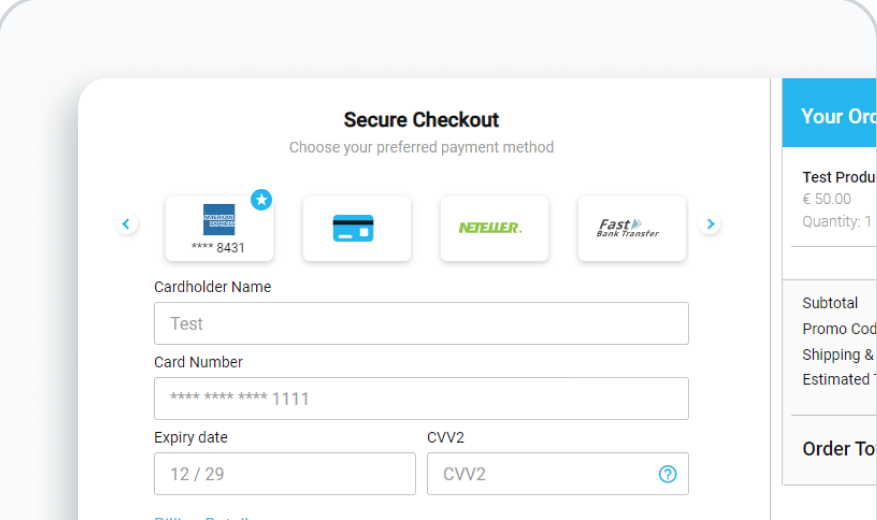
| Product | Quick Integration | Customization | PCI | Multi-PSP | Notes |
|---|---|---|---|---|---|
| Payment Page |  | Merchant: Logo and Main colors. Nuvei: Full customization. | |  | • Basic customization. • No control of UI/UX. |
| Simply Connect | | Full | | | Full control, PCI, Simple integration process. |
| Web SDK | | Full | | | Full control of UI/UX, PCI, Simple integration process. |
| Server-to-Server | | Full | note * | | • 3DS fully implemented by the merchant. • Full control of processes. |
 Last modified August 2026